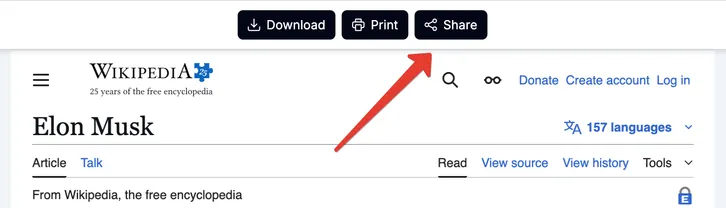
- After conversion, on the preview page click the "Share" button.
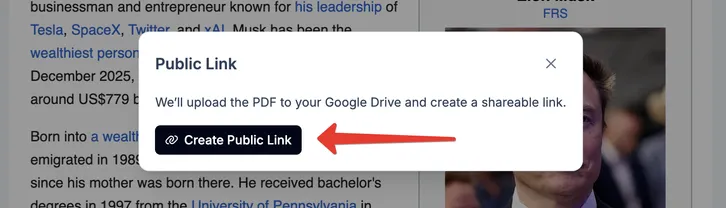
- Click the "Create public link" button.
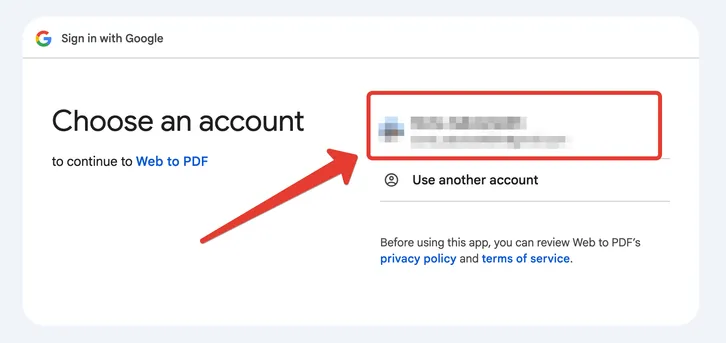
- Google Drive will ask for permission to upload files. Choose your Google account.
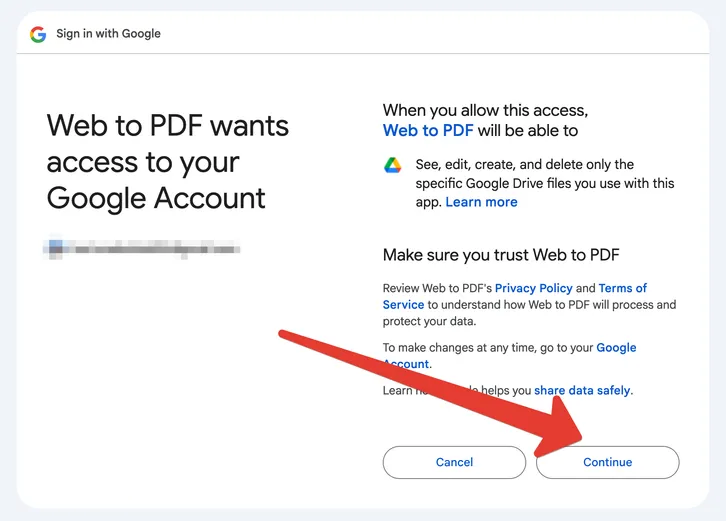
- Confirm the permission.
- The file will be uploaded to the
webtopdffolder on your Google Drive and a public link will be created.
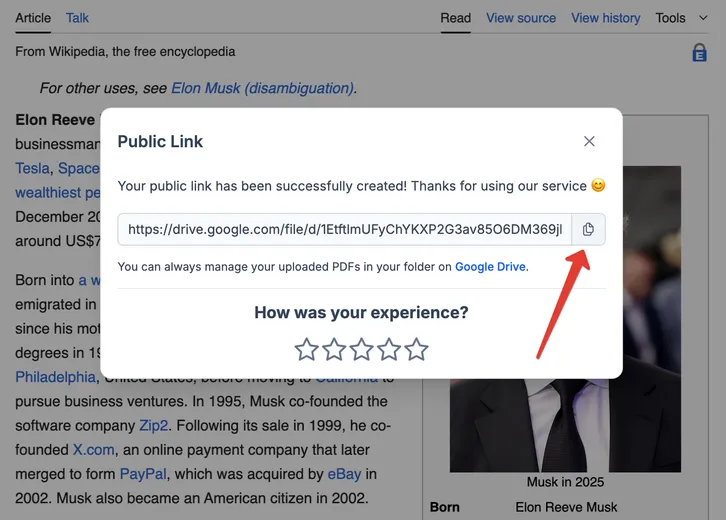
The PDF file will be available at this link until you delete it from Google Drive.