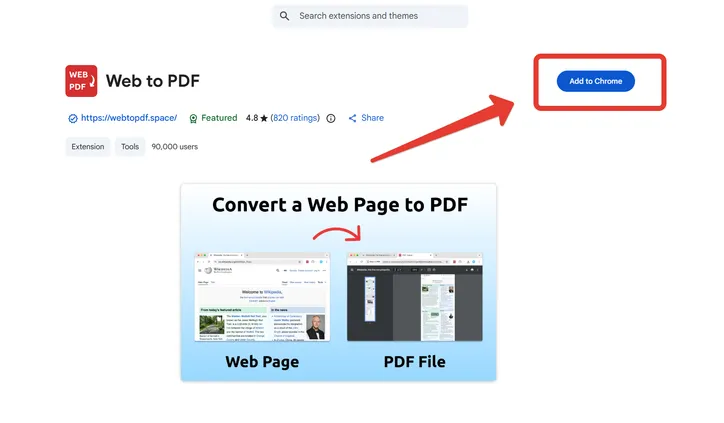
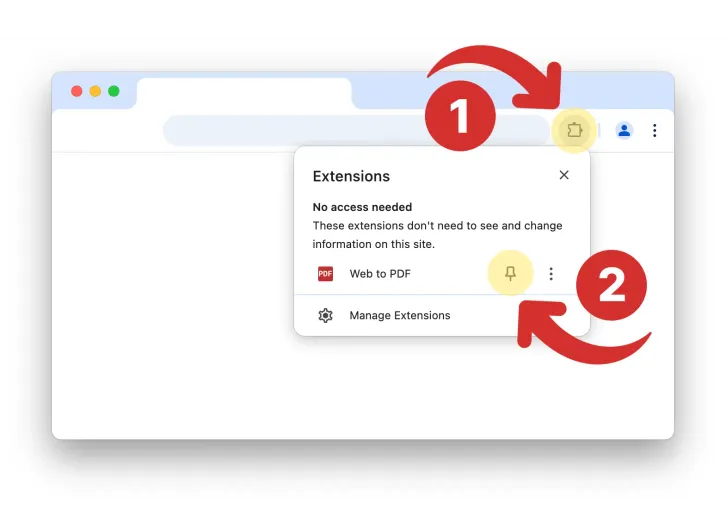
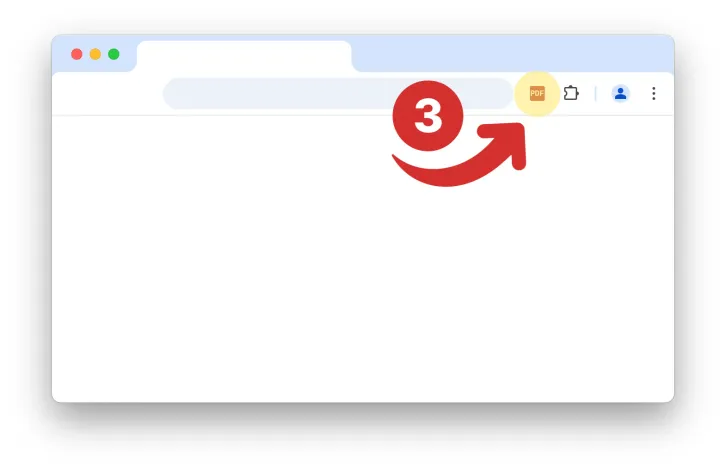
Install the extension in your browserPublished: January 18, 2026Open the official extension catalog Chrome Web Store.Click the "Add to Chrome" buttonPin the extension to the browser toolbar as shown in the screenshotDone! The extension is installed. You can start using it by clicking the icon in the toolbar